











Vape Screens and Indicators: What Do the Icons Usually Show?
There is something effortlessly satisfying about sitting back on the balcony after a long afternoon, unwinding with your favourite flavour, and knowing exactly how much charge and juice you have left. Not too long ago, vaping devices relied on a single blinking light to tell you everything. If that tiny LED flashed three times, you were left guessing whether the battery was flat, the coil had disconnected, or you had simply taken too long of a puff.
Today, smart screens and high-definition indicator panels have transformed the experience. A quick glance at your display gives you an instant snapshot of your device’s pulse, taking the guesswork out of your routine.
Whether you are using a sleek pod kit or a high-capacity smart disposable, these digital displays turn everyday vaping into a seamless, fuss-free ritual. Here is a clear, down-to-earth guide to what those little icons, colours, and symbols on your screen actually mean.
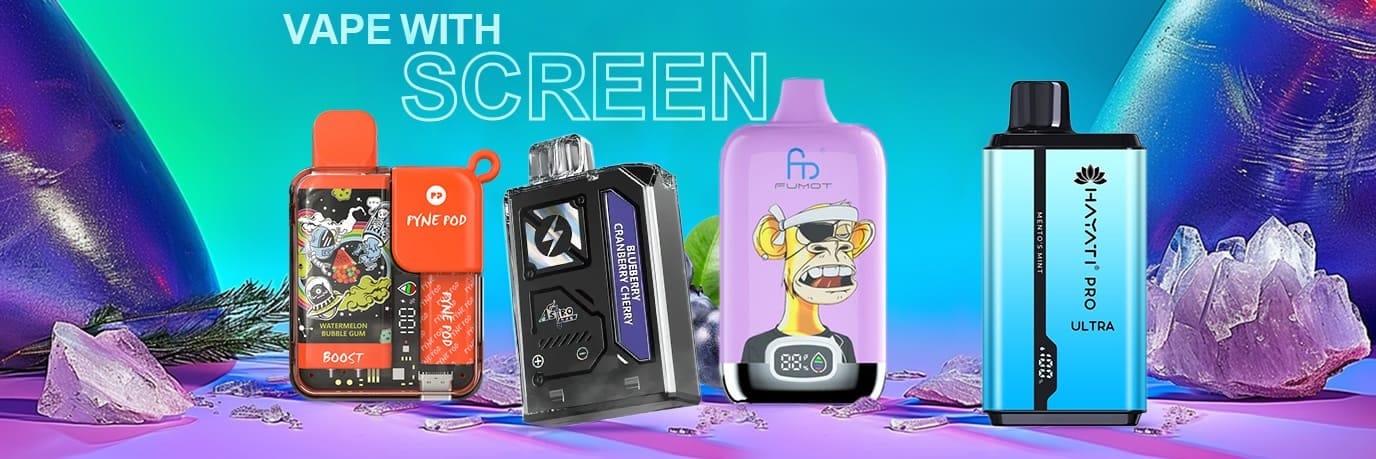
A vape device screen showing various safety alerts: a stopwatch for Over-Puff Cut-Off, a warning triangle or wrench for Short Circuit, and a padlock for Device Lock.
The Core Symbols: Battery and E-Liquid Indicators
At the heart of almost every modern screen are two essential figures: power and juice. Knowing how to read them at a glance ensures your device is always ready when you want to take a break.
The Battery Meter and Percentage
The battery icon is usually the easiest to spot. Depending on the design of your device, it will typically appear in one of three ways:
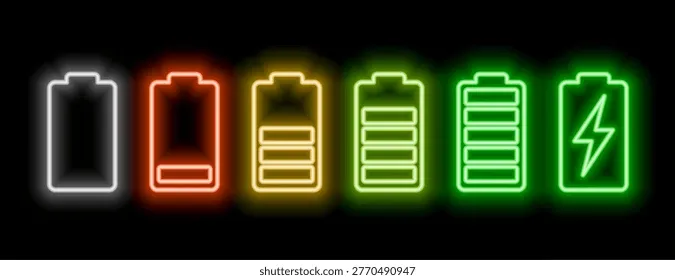
A vape device screen displaying different battery indicators: a precise numeric percentage, a segmented battery bar, and a lightning bolt symbol indicating charging.
- Numeric Percentage (0–100%): This is the most straightforward display, showing precise remaining power so you know exactly when to plug in.
- Segmented Battery Bar: A classic battery silhouette split into three, four, or five bars. As the power drains, the bars disappear one by one.
- The Lightning Bolt: When you plug your device into a USB-C cable, a small lightning bolt or pulsing battery animation will usually appear. Once the animation stops or the meter reaches 100%, your device is fully powered and ready to go.
The E-Liquid Droplet and Tank Graphic
Few things interrupt a relaxed moment quite like a burnt, dry hit. To help you avoid that unpleasant surprise, smart devices feature dedicated e-liquid monitors.
- Water Droplet Icon: A small droplet symbol that gradually changes colour or empties out as you use the device.
- Liquid Level Percentage: Some advanced screens show an estimated remaining percentage for your e-liquid alongside the battery figure.
- Vertical Gauge: A bar or fluid line that slowly drops over time, mimicking the physical level of juice inside a clear tank.
A vape device with a screen or illuminated ring showing dynamic color-coded status, transitioning from green (high) to yellow (moderate) and red (low) to indicate device status.
Understanding these meters lets you plan ahead effortlessly. If you are heading out for the weekend with an Alibarbar Ingot 9000 Ribena or a rich, dessert-style profile like the Alibarbar Ingot 9000 Black Forest, checking your droplet indicator before leaving the house ensures you won't be caught short.
Visual Status Systems: What the Colours Mean
Many smart screens use dynamic colour-coded backlights or illuminated rings to communicate status without requiring you to read small numbers. This visual shortcut lets you check your device with a quick glance in dim lighting or while on the move.
A vape device screen displaying different performance mode icons: a leaf for Eco mode, a flame for Normal mode, and a rocket for Boost mode.
| Screen Indicator / Colour | Typical Status Level | What It Means for Your Session |
|---|---|---|
| Solid Green | High (50% – 100%) | Full power and ample e-liquid; optimal flavour and vapour output. |
| Warm Yellow / Amber | Moderate (20% – 49%) | Mid-level capacity; time to think about recharging soon. |
| Pulsing or Solid Red | Low (Under 20%) | Critical level; plug into power or prepare a replacement device. |
| Flashing Blue / White | System / Diagnostic | Indicates charging connection, safety cut-off, or mode adjustment. |
These traffic-light visual cues give you an intuitive, tactile connection to your device, letting you stay immersed in the moment rather than fiddling with settings.
Performance Modes: Eco, Normal, and Boost
Many modern devices allow you to tailor the warmth, density, and flavour intensity of every draw. When you toggle between settings, the display updates with distinct mode icons.
The Leaf or 'Eco' Icon
The Eco setting is designed for conservation and smooth, relaxed draws. When this icon is active, your device operates at a gentler output. It preserves both battery life and e-liquid, making it the perfect choice for casual all-day use when you want a mellow vapour experience without running down your charge.
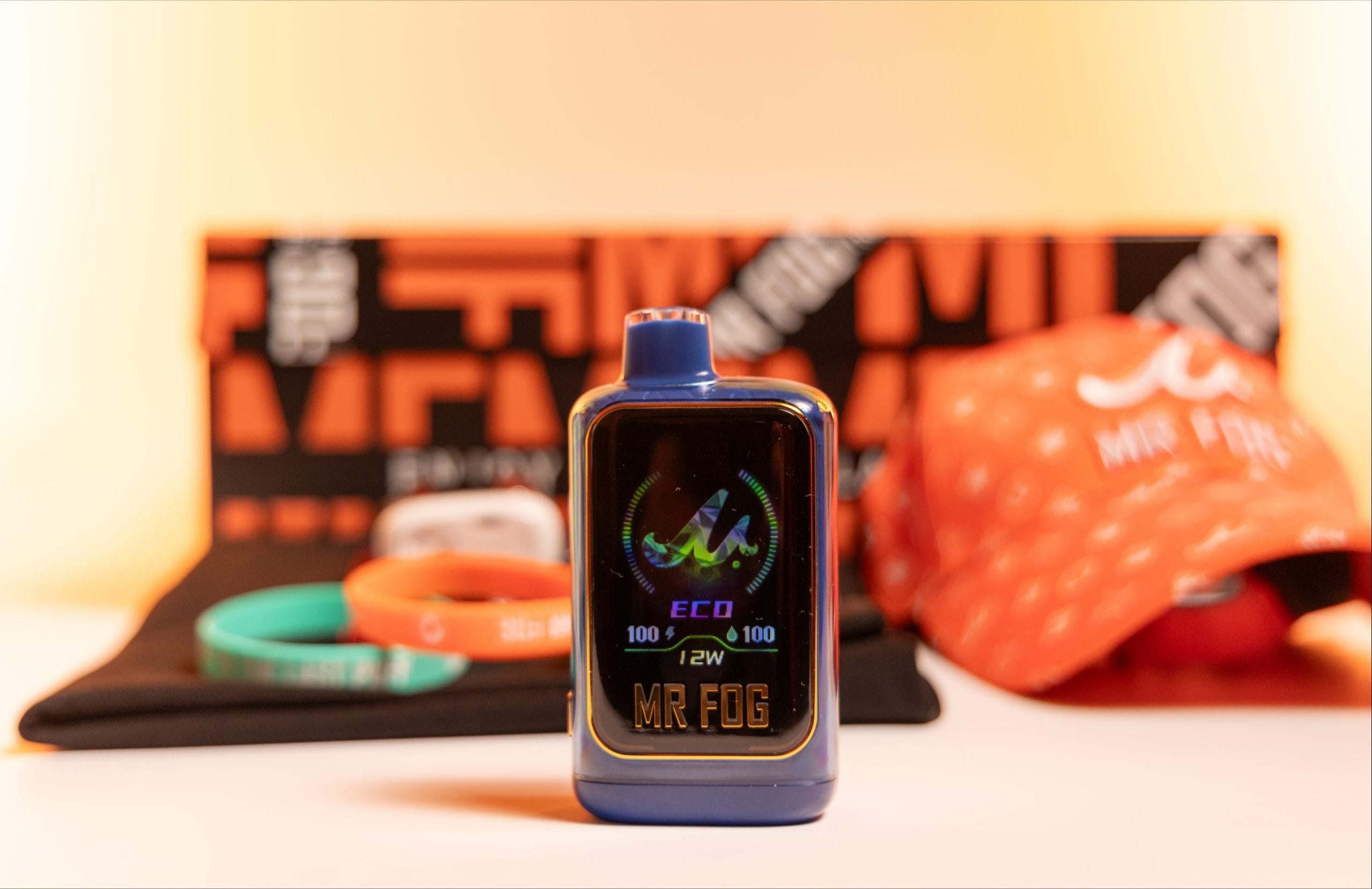
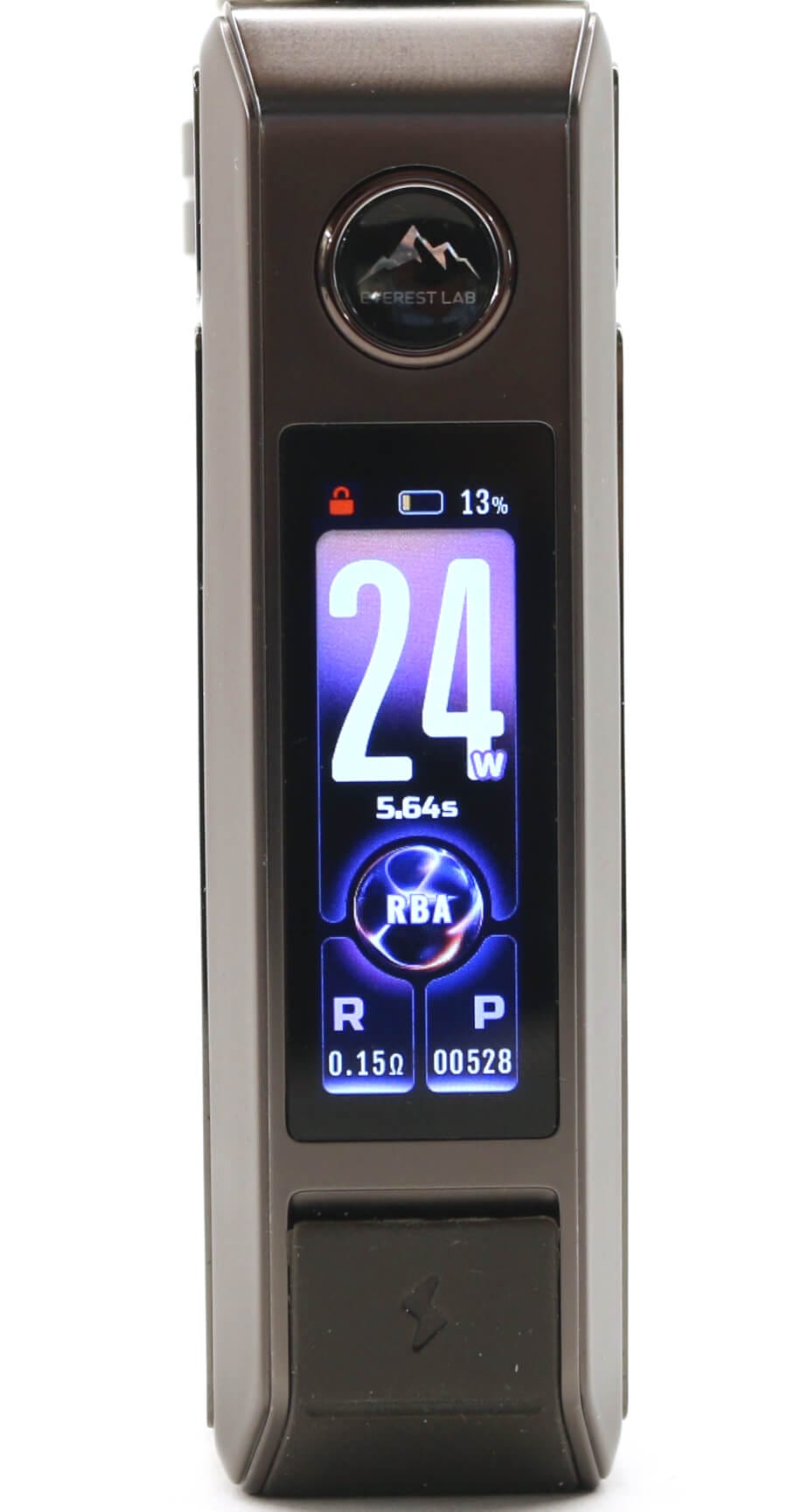
A close-up of a modern, sleek vape pod kit or smart disposable vape, clearly showing its illuminated digital display with various icons and indicators.
The Flame or 'Normal' Icon
Often represented by a standard flame or simple text readout, this is the balanced baseline setting. It delivers consistent vapour production, faithful flavour reproduction, and dependable battery efficiency for everyday moments.
The Rocket or 'Boost / Pulse' Symbol
When you are craving a richer, warmer, and punchier cloud, switching into Boost mode ramps up the internal power. On your screen, you might see a rocket ship, a double lightning bolt, or a dynamic pulsing wave graphic. While this mode delivers intensified flavour, keep in mind that the battery and e-liquid gauges will tick down a little faster while it is engaged.
Safety Alerts and Diagnostic Symbols
Smart screens are not just there for looks—they also serve as an intuitive safety dashboard. When something isn't working as expected, the screen will tell you straight away rather than leaving you in the dark.
- Common Smart Screen Safety Icons:
- ! WARN — TIME OUT 10s — L O C K
- Short Circuit / — Over-Puff Auto — Child Safety /
- Connection Fault — Cut-Off Trigger — Button Lockout
Over-Puff Cut-Off (Time Out / Clock Icon)
If you take a particularly long draw, you might notice the screen illuminate with a small stopwatch, an hourglass, or the words "Time Out". Modern vape chipsets feature an automatic safety limiter (usually set around 8 to 10 seconds). This temporarily pauses power delivery to prevent the internal coil from overheating, preserving both your coil life and your flavour.
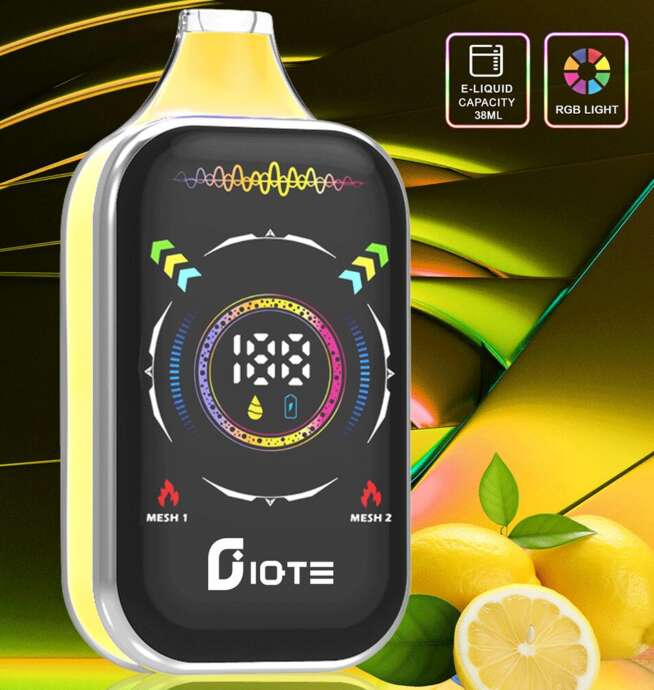
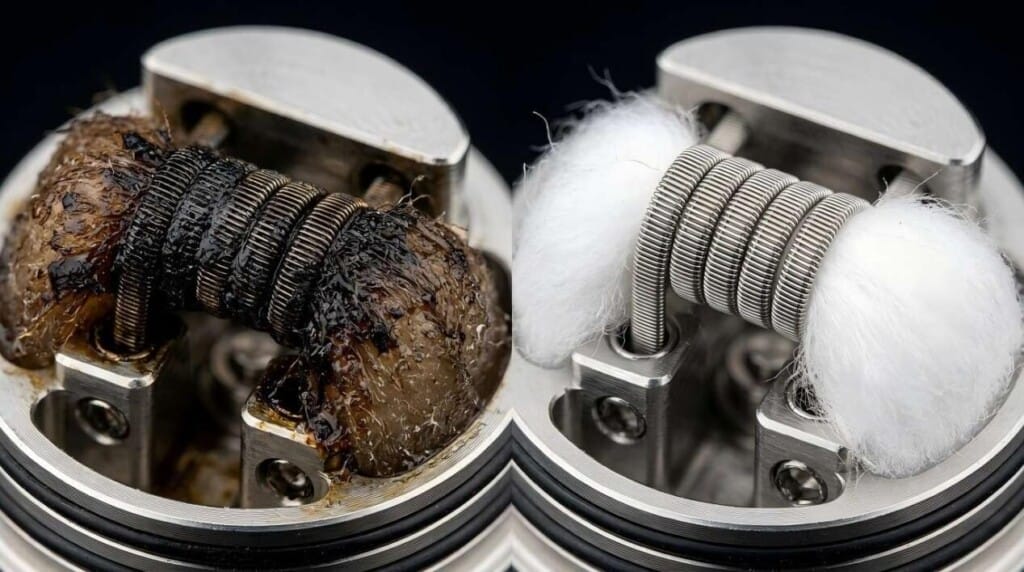
A vape device screen showing e-liquid indicators, including a water droplet icon, a numerical liquid level percentage, and a vertical bar gauge mimicking fluid levels.
Short Circuit and Connection Warnings
If your coil is misaligned, the pod is not seated correctly, or moisture has settled on the contact pins, you may see an exclamation mark inside a triangle, a flashing wrench, or an "Atomiser Short" prompt. Giving the base of your pod a quick wipe with a clean tissue and clicking it back into position usually clears this symbol immediately. If unusual sounds accompany your draw, checking our guide on why your vape is whistling and how to fix it can help you sort out airflow restrictions in seconds.
Lock and Keypad Symbols
To prevent accidental firing in your pocket or bag, many devices feature a simple lock function—often activated by clicking the fire button three or five times in rapid succession. A tiny padlock symbol on the screen confirms that the firing mechanism is safely locked.
Understanding How E-Liquid Gauges Work
A common question among vape enthusiasts is how the digital screen actually calculates remaining e-liquid. Unlike your car’s fuel tank, which has a physical floating sensor inside, ultra-compact vape bodies rely on smart microchips.
Every time you take a draw, the internal processor tracks the duration and power level of the puff, subtracting that micro-volume from the total capacity.
- The Estimation Approach: The e-liquid droplet graphic is an algorithmic estimate based on average draw patterns.
- Puff Style Matters: If you take short, gentle puffs, you might have a bit more juice left than the screen indicates. If you frequently enjoy deep, long draws in Boost mode, the liquid may deplete slightly faster.
- The Golden Rule: Use the screen gauge as a helpful visual guide. If the droplet icon turns red or drops near zero, it is a cue to retire the disposable or top up your pod before you experience a diminished, dry draw.
Practical Tips for Keeping Your Vape Display in Top Shape
A clear, responsive screen makes your daily vape that much more enjoyable. Here are a few simple habits to keep your display bright and functional:
- Avoid Extreme Heat: Leaving your device on the dashboard of your car on a scorching summer afternoon can damage the delicate LED or OLED display and degrade the battery cell. Keep it in the shade or in your pocket.
- Clean Away Pocket Lint and Condensation: Wipe your screen occasionally with a soft microfibre cloth. Keeping the exterior clean ensures bright visibility in outdoor daylight.
- Use the Right Charging Setup: Stick to standard 5V wall adaptors or laptop USB ports rather than ultra-fast laptop power bricks. Steady charging prevents the internal display controller from overheating while replenishing the battery.
- Don't Panic Over Sleep Modes: Most smart displays automatically shut off after 5 to 10 seconds of inactivity to conserve power. A single gentle puff or button click wakes the screen right back up.
Effortless Moments, Clear Feedback
Vaping should fit smoothly into your daily lifestyle—offering an enjoyable, ambient pause whenever you need to recharge and unwind. The shift toward clear digital screens and intuitive icon displays means you are never left second-guessing your device's battery or e-liquid status.
By familiarising yourself with these simple symbols—from friendly green battery rings and fluid droplet meters to helpful safety prompts—you can keep your sessions flavourful, smooth, and perfectly timed, every single day.



 UMIN SLICK PLUS 10000
 ALIBARBAR INGOT 9000
 IGET BAR PRO 10000
 IGET ONE 12000
 IGET BAR PLUS S3 10000
 IGET BAR PLUS S3 POD 10000
 IGET MOON K5000
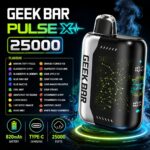 GEEK BAR PULSE X 25000